
AutoCount Accounting 2.0 for
Malaysian Businesses
Accounting, Inventory & e-Invoice in One Business System
Manage your finances, sales, purchasing and inventory with a connected accounting system designed around Malaysian business requirements.
AutoCount Accounting 2.0 brings everyday transactions and financial information together, helping your team reduce repetitive work, maintain better control over business records and access more useful reports.
Whether you are replacing spreadsheets, upgrading an existing accounting system or managing more complex operations, Oktrix helps you select, configure and implement the right AutoCount setup.
Is Your Accounting System Keeping Up
With Your Business?
As operations become more complex, disconnected accounting and inventory processes can lead to unnecessary manual work, delayed reporting and difficulty tracking everyday transactions.
Too Much Manual Data Entry
Your team repeatedly enters information into spreadsheets, accounting records and separate applications.
Difficult Inventory Tracking
Stock movements, quantities and costing become harder to monitor as transactions and locations increase.
Slow Financial Reporting
Preparing management reports requires additional checking, reconciliation and consolidation.
Disconnected Sales & Purchasing
Quotations, invoices, purchase documents and accounting records are not properly connected.
Outstanding Payments Are Hard to Track
Finance teams spend too much time reviewing customer balances, supplier payments and overdue accounts.
e-Invoice & SST Requirements
Managing Malaysian tax information and e-Invoice submissions adds complexity to existing accounting processes.
The right accounting system should help your team control transactions, not create more administrative work.
One Connected System for Accounting and Business Transactions
AutoCount Accounting 2.0 is a Windows-based business accounting solution that combines financial accounting with sales, purchasing, inventory and reporting.
Rather than maintaining separate records for each activity, relevant transactions can flow through connected modules and update the corresponding accounting information.
Financial Accounting
Manage General Ledger (GL), Accounts Receivable (AR), Accounts Payable (AP), journal entries and financial reports.
Sales, Purchasing & Billing
Maintain customer and supplier transactions through connected sales, purchase and billing documents.
Inventory & Stock Management
Track stock information, movements and costing through the inventory functionality available in your selected edition and modules.
This provides a stronger foundation for businesses that need accounting records to remain connected with daily operations.
Everything You Need for Better Accounting Control
AutoCount Accounting 2.0 offers a range of capabilities to manage financial records and everyday business transactions.
Complete Accounting Management
Maintain General Ledger, Accounts Receivable, Accounts Payable, journals, payments and financial statements.
Sales & Billing
Manage customer quotations, sales orders, delivery orders, invoices, credit notes and related sales documents.
Purchasing & Suppliers
Handle purchase orders, goods receiving, supplier invoices, purchase returns and supplier balances.
Inventory Management
Track stock quantities, movements, adjustments and inventory reports, with advanced capabilities available through suitable modules.
SST & LHDN e-Invoice
Support applicable Malaysian SST processes and e-Invoice submission through AutoCount’s supported e-Invoice solution.
Financial Reporting & Analysis
Access financial statements, ageing reports, sales information and other business reports to support management decisions.
Features depend on the selected AutoCount edition, licensed modules and configuration.
From Daily Transactions to Financial Records
A major advantage of integrated accounting software is that information does not need to be maintained independently across every department.
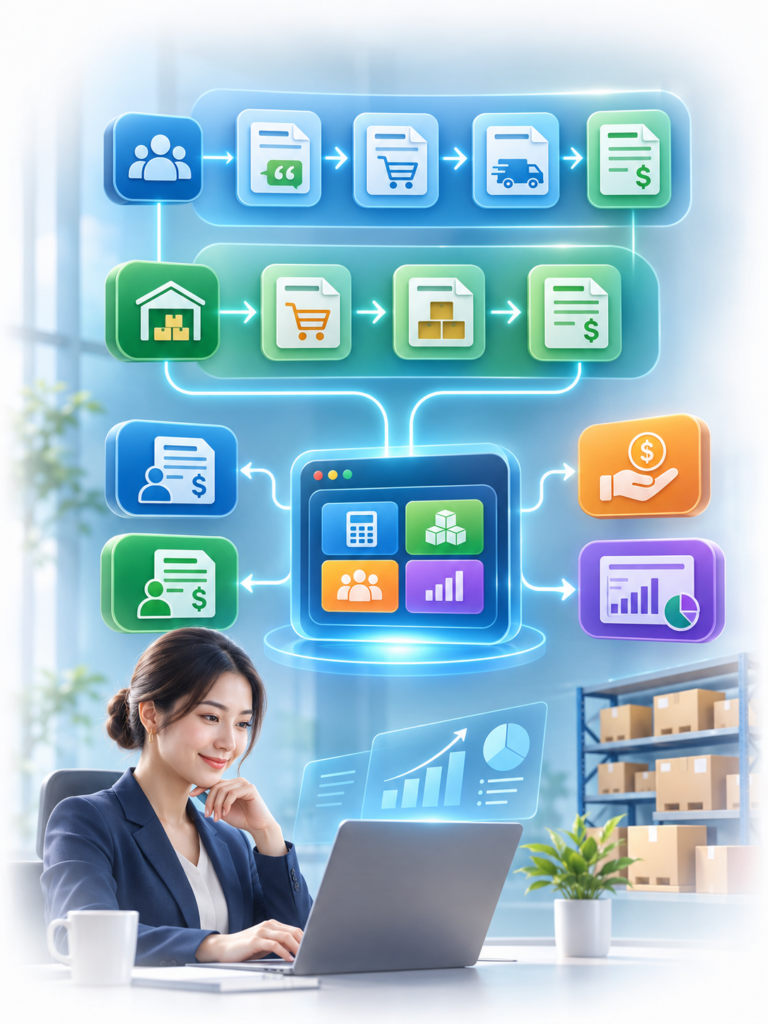
Sales Process
Quotation → Sales Order → Delivery Order → Invoice
Track customer transactions through relevant sales documents, with accounting and inventory updates according to the configured workflow.
Purchasing Process
Purchase Order → Goods Received → Purchase Invoice
Manage supplier purchasing and goods receiving while maintaining the corresponding inventory and financial records.
Accounting Process
Invoices → Receivables / Payables → Payments → Financial Reports
Record and review financial transactions through connected accounting modules, reducing the need to manually reconstruct information from separate sources.
The exact document flow can be adapted to the modules and processes your business requires.
Support Your Malaysian Accounting and e-Invoice Requirements
Support Your Malaysian Accounting and e-Invoice Requirements
Malaysian businesses must manage local tax requirements while maintaining accurate financial records.
AutoCount provides relevant capabilities to support these processes.
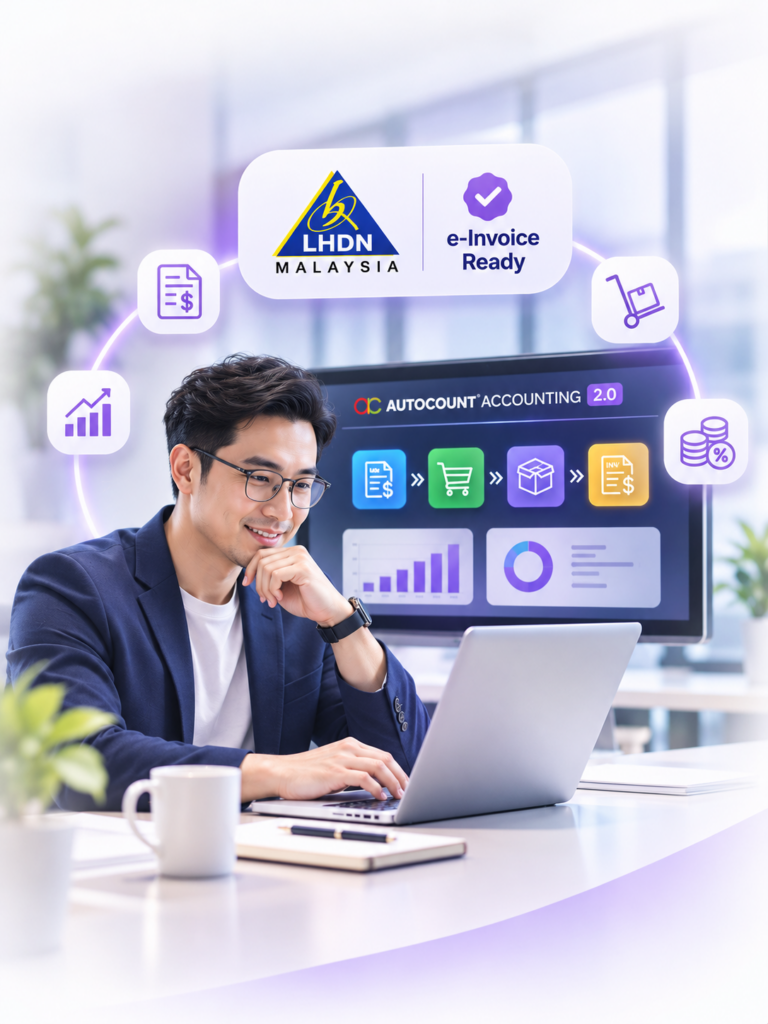
LHDN e-Invoice
Prepare and submit supported e-Invoice transactions through the AutoCount e-Invoice Platform (AIP), which connects with LHDN MyInvois.
Depending on the transaction and configuration, supported workflows include standard, consolidated and self-billed e-Invoices.
SST Management
Configure applicable SST information and manage relevant tax transactions within the accounting process.
The setup should reflect your business activities and applicable Malaysian tax requirements.
Tax Information & Transaction Records
Maintain relevant customer, supplier and transaction information to support accounting review, reporting and e-Invoice processing.
Proper master data, system configuration and internal procedures remain important for accurate submissions and reporting.
Oktrix helps businesses review the necessary configuration and prepare users for the relevant accounting and e-Invoice workflows.
Better Visibility Beyond the General Ledger
For businesses that manage inventory, purchasing or multiple operational activities, accounting information needs to stay connected to what is happening in the business.
Stock Balance & Movement
Review stock quantities, transactions and movements through inventory records and reports.
Stocktaking & Adjustments
Compare physical stock with recorded quantities and manage stock adjustments where required.
Item Pricing & Costing
Maintain relevant pricing and costing information, with additional costing functionality available through supported modules.
Customer & Supplier Ageing
Review outstanding customer balances and supplier obligations to support collection and payment planning.
Financial Statements
Generate reports such as Profit & Loss, Balance Sheet and other financial information based on recorded transactions.
Sales & Business Analysis
Review sales activity, purchasing and other operational information to support better business decisions.
The Right AutoCount Setup Depends on Your Business
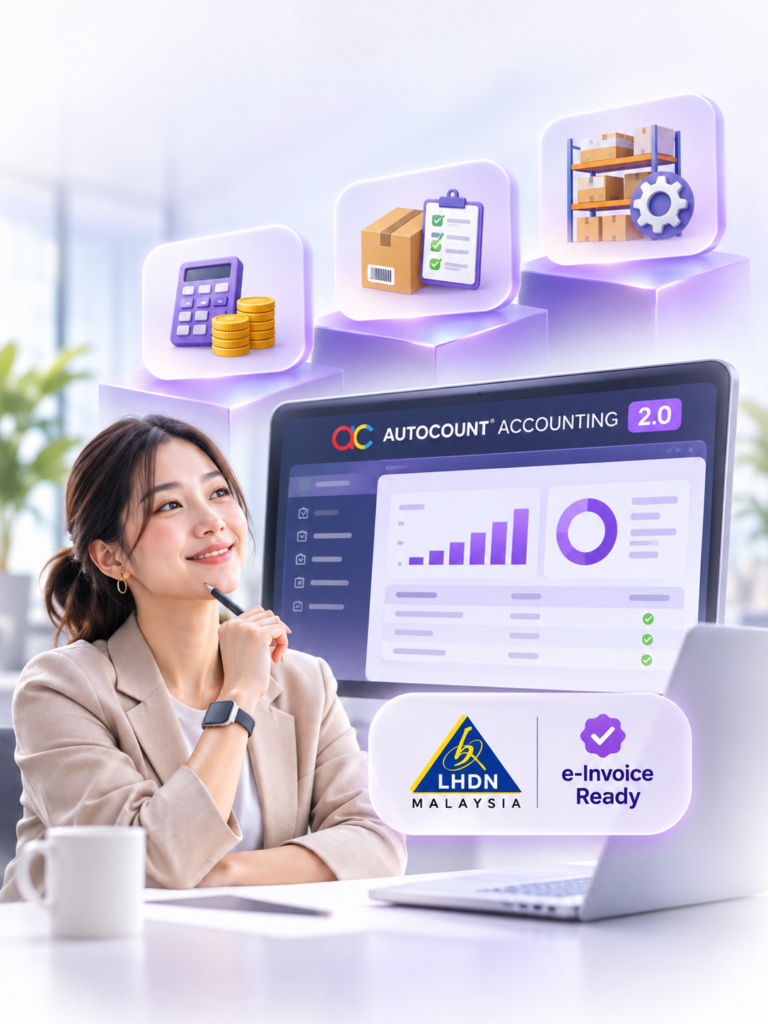
Different businesses need different levels of accounting and operational functionality.
AutoCount Accounting 2.0 offers multiple editions and optional modules to support different requirements.
Accounting & Billing Requirements
For businesses focusing on financial records, invoicing, customer accounts, supplier payments and essential reporting.
Accounting With Inventory
For businesses that also need purchasing, sales document flow, stock management and inventory-related reporting.
More Complex Business Operations
For organisations requiring more advanced inventory functionality, reporting, department or project tracking, user controls and integrations.
Additional capabilities such as multi-location inventory, serial numbers, advanced costing, customised fields and API connectivity may require suitable editions or modules.
Oktrix helps identify the appropriate edition and modules based on your business requirements rather than recommending unnecessary functionality.
Extend AutoCount Beyond Accounting With Orbix
More Connected Operations Around Your Existing AutoCount System
AutoCount Accounting provides the core financial and business transaction environment.
For businesses that require additional operational capabilities, Orbix by Oktrix extends compatible on-premise AutoCount installations through AC Gateway.
Sales & Warehouse Operations
Connect supported mobile sales, van sales, goods receiving, picking and inventory workflows with your AutoCount environment.
Business Intelligence & AI
Explore connected reporting, stock forecasting and optional AI solutions for document processing and expense claims.
Third-Party Software Integration
Use AC Gateway’s API and MCP connectivity to support compatible third-party applications, data exchange and workflow automation.
Orbix does not replace AutoCount Accounting. It provides additional capabilities around the existing system.
Integration feasibility depends on the selected modules, software compatibility and technical requirements.
Accounting Software for Different Business Requirements
AutoCount Accounting 2.0 can support businesses across different industries, depending on their operating model and required functionality.
Trading Businesses
Manage purchasing, sales transactions, customer accounts, supplier records and stock information.
Wholesale & Distribution
Connect ordering, billing, inventory movement and accounting within a coordinated business process.
Manufacturing & Assembly
Support relevant stock, material and assembly-related processes through appropriate AutoCount modules.
Service Businesses
Manage billing, receivables, payables, financial records and reporting without unnecessary inventory complexity.
Retail Businesses
Maintain back-office accounting and inventory information, with POS connectivity where required.
Multi-Department Organisations
Support different user responsibilities, reporting requirements and operational processes through suitable system configuration.
The right solution depends on transaction volume, users, modules, integrations and workflow complexity, not simply company size.
Why Implement AutoCount Accounting Through Oktrix?
Choosing an accounting system is only one part of the project.
Its effectiveness also depends on proper configuration, accurate data, practical workflows and users who understand how to operate it.
Requirement Consultation
We review your current accounting, billing, purchasing, inventory and reporting requirements before proposing a solution.
Edition & Module Recommendation
We help determine the appropriate AutoCount edition and additional modules based on your business needs.
System Implementation
We configure the agreed company information, account structure, users, permissions and applicable modules.
Data Migration Planning
Where applicable, we help assess and prepare customer, supplier, item and opening-balance information for migration.
User Training
We guide relevant team members through the system functions and processes required for their responsibilities.
Ongoing Support
Oktrix continues supporting the agreed system setup and helps review additional requirements as your operations develop.
From Business Requirement to Working System
A successful accounting implementation requires more than installing the software.
Our approach focuses on preparing the system around the agreed business requirements.
1. Discover
Understand the existing accounting environment, transaction flow, users and reporting needs.
2. Plan
Confirm the system edition, modules, scope, migration requirements and implementation approach.
3. Configure
Set up the accounting environment, company information, users and relevant functionality.
4. Prepare & Test
Prepare applicable opening information, review transaction flows and test the agreed processes.
5. Train & Go Live
Train relevant users and prepare the system for practical daily operation.
6. Support & Improve
Assist users after implementation and review additional requirements when needed.
Frequently Asked Questions About AutoCount Accounting 2.0
What is AutoCount Accounting 2.0?
AutoCount Accounting 2.0 is a Windows-based accounting and business management system that combines financial accounting with sales, purchasing, inventory and reporting functionality.
Its available capabilities depend on the selected edition and modules.
Is AutoCount Accounting 2.0 cloud-based?
AutoCount Accounting 2.0 is primarily an on-premise, Windows-based accounting solution.
Additional remote or hybrid access options may be available through supported products and configurations.
AutoCount Cloud Accounting is a separate product designed for browser-based cloud accounting.
Does AutoCount Accounting support LHDN e-Invoice?
Yes. AutoCount supports LHDN e-Invoice workflows through its AutoCount e-Invoice Platform (AIP).
Businesses can prepare and submit supported transactions to the MyInvois system, subject to the required setup and applicable processes.
Can AutoCount manage sales, purchasing and inventory?
Yes. AutoCount Accounting 2.0 offers integrated sales, purchasing and inventory capabilities, depending on the selected edition and modules.
These can help connect daily operational transactions with accounting information.
Can AutoCount support multiple users and departments?
Yes. AutoCount supports user accounts and access permissions.
The appropriate licensing, configuration and modules depend on the number of users and your operational requirements.
Can we migrate from Excel or another accounting system?
Migration may be possible depending on the source system, available records, data quality and agreed scope.
Oktrix can help assess which information should be migrated and how it should be prepared.
Can AutoCount integrate with third-party software?
Yes. Compatible integrations may be possible through supported AutoCount integration methods and solutions such as Orbix with AC Gateway.
The feasibility depends on the third-party application, APIs, data requirements and technical scope.
Is AutoCount Accounting suitable for large businesses?
AutoCount Accounting offers different editions and modules that may support organisations with more complex transactions, inventory and reporting requirements.
Suitability should be assessed against the specific financial, operational, integration and control requirements rather than company size alone.
How much does AutoCount Accounting 2.0 cost?
The investment depends on the selected edition, users, optional modules, implementation requirements and ongoing services.
Oktrix can review your requirements and prepare a suitable proposal.
Do we need AutoCount POS or HRMS together with Accounting?
Not necessarily. AutoCount POS and Cloud HRMS are separate solutions for retail transactions and employee management.
They should only be introduced when your business requires those capabilities.
Does Oktrix provide implementation and training?
Yes. Oktrix provides requirement consultation, configuration, implementation, user training and support based on the agreed project scope.
How do we get started?
Tell us about your current accounting system, business processes and key challenges.
We can review your requirements and recommend an appropriate AutoCount setup or arrange a product discussion.